
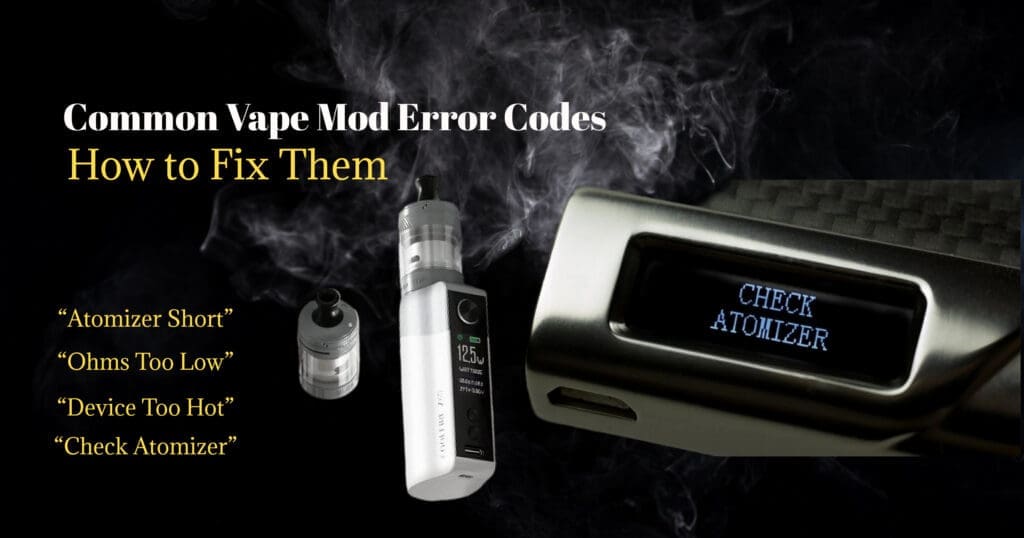
Modern vape mods are smart devices. They’re designed with built-in safety protections that prevent overheating, short circuits, and battery damage. When something isn’t right, your device displays an error message like “Check Atomizer,” “Shorted,” or “Ohms Too Low.”
If your vape suddenly won’t fire and shows one of these warnings, don’t panic. Most mod error codes are easy to understand — and even easier to fix.
Let’s break down what the most common vape mod error messages mean and what you should do to get your device working again.
Why Vape Mods Show Error Codes
Unlike basic vape pens, regulated box mods constantly monitor:
- Coil resistance (ohms)
- Battery voltage
- Temperature
- Short circuits
- Connection stability
If something falls outside safe operating limits, the mod stops firing and displays a warning to protect you and the battery.
Common Vape Mod Error Codes (And How to Fix Them)
1. “Check Atomizer” or “No Atomizer”
What It Means
Your mod isn’t detecting the tank or coil.
Common Causes
Coil not installed properly
Tank not screwed in fully
Dirty or damaged 510 connection
Faulty coil
How to Fix It
Remove the tank and reattach it firmly (don’t overtighten).
Remove and reinstall the coil securely.
Clean the 510 threads on both the mod and tank with a dry cloth.
Replace the coil if the problem continues.
If the error persists after trying a new coil, the issue could be the mod’s 510 pin.
2. “Atomizer Short” or “Shorted”
What It Means
There’s a short circuit in the coil or tank.
Common Causes
Coil installed incorrectly
Damaged coil
Torn insulator
Internal wire touching metal
How to Fix It
Remove the tank immediately.
Inspect the coil for visible damage.
Replace the coil with a new one.
Make sure the coil matches your device’s resistance range.
Do not continue firing a device showing a short error — this is a safety protection warning.
3. “Ohms Too Low”
What It Means
The coil resistance is lower than what your mod safely supports.
Common Causes
Using a sub-ohm coil on a low-powered device
Coil short
Incorrect coil for the mod
How to Fix It
Check your mod’s minimum resistance rating.
Install a compatible coil.
Replace the coil if resistance readings seem unstable.
If your device reads drastically different ohms each time, the coil is likely faulty.
4. “Ohms Too High”
What It Means
The resistance is higher than expected.
Common Causes
Loose coil
Poor 510 connection
Coil nearing end of life
How to Fix It
Tighten the coil inside the tank.
Clean the 510 connection.
Replace the coil if needed.
5. “Low Battery” or “Battery Low”
What It Means
The battery doesn’t have enough voltage to fire safely.
Fix
Charge the battery fully.
If using removable batteries, ensure they are properly inserted.
Replace old batteries that no longer hold a charge
Old or damaged batteries can cause inconsistent firing even when charged.
6. “Device Too Hot” or “Temp Protection”
What It Means
The mod has overheated or reached its temperature limit.
Causes
Chain vaping
High wattage setting
Poor airflow
Hot environment
Fix
Let the device cool down for several minutes.
Lower your wattage setting.
Ensure airflow vents aren’t blocked.
7. “Check Battery” or “Battery Imbalance”
What It Means
Common in dual-battery mods — the batteries are mismatched or draining unevenly.
Fix
Always use identical batteries (same brand, model, and age).
Replace batteries as a married pair.
Avoid mixing old and new batteries.
Quick Troubleshooting Checklist
If your vape mod shows an error code:
- Remove the tank
- Check and reseat the coil
- Clean the 510 connection
- Replace the coil if unsure
- Check battery charge and condition
- Confirm coil compatibility with your mod
In most cases, replacing the coil solves the problem.
When Should You Replace the Mod?
- You may need a replacement if:
- Errors continue with multiple new coils
- The 510 pin is loose or pushed down
- The device reads wildly inconsistent ohms
- It overheats frequently without reason
If your mod is under warranty, contact the manufacturer or retailer before attempting repairs.
How to Prevent Vape Mod Errors
- Replace coils regularly
- Keep 510 threads clean
- Use compatible resistance coils
- Avoid overtightening tanks
- Use high-quality, matched batteries
- Don’t ignore error messages
Modern vape mods are designed to protect you — error codes are safety features, not random malfunctions.
FAQs
Q: Why does my vape say “Check Atomizer” but everything looks fine?
A: The coil may not be making proper contact, or the 510 connection could be dirty. Try cleaning the threads and reinstalling the coil.
Q: Is “Atomizer Short” dangerous?
A: It can be. The device stops firing to prevent battery damage. Replace the coil immediately and do not keep firing.
Q: Why does my mod show different ohm readings?
A: This usually indicates a loose or failing coil. Replace it to stabilize resistance.
Q: Can low-quality coils cause error messages?
A: Yes. Poorly manufactured coils often cause short circuits, inconsistent resistance, and connection errors.