
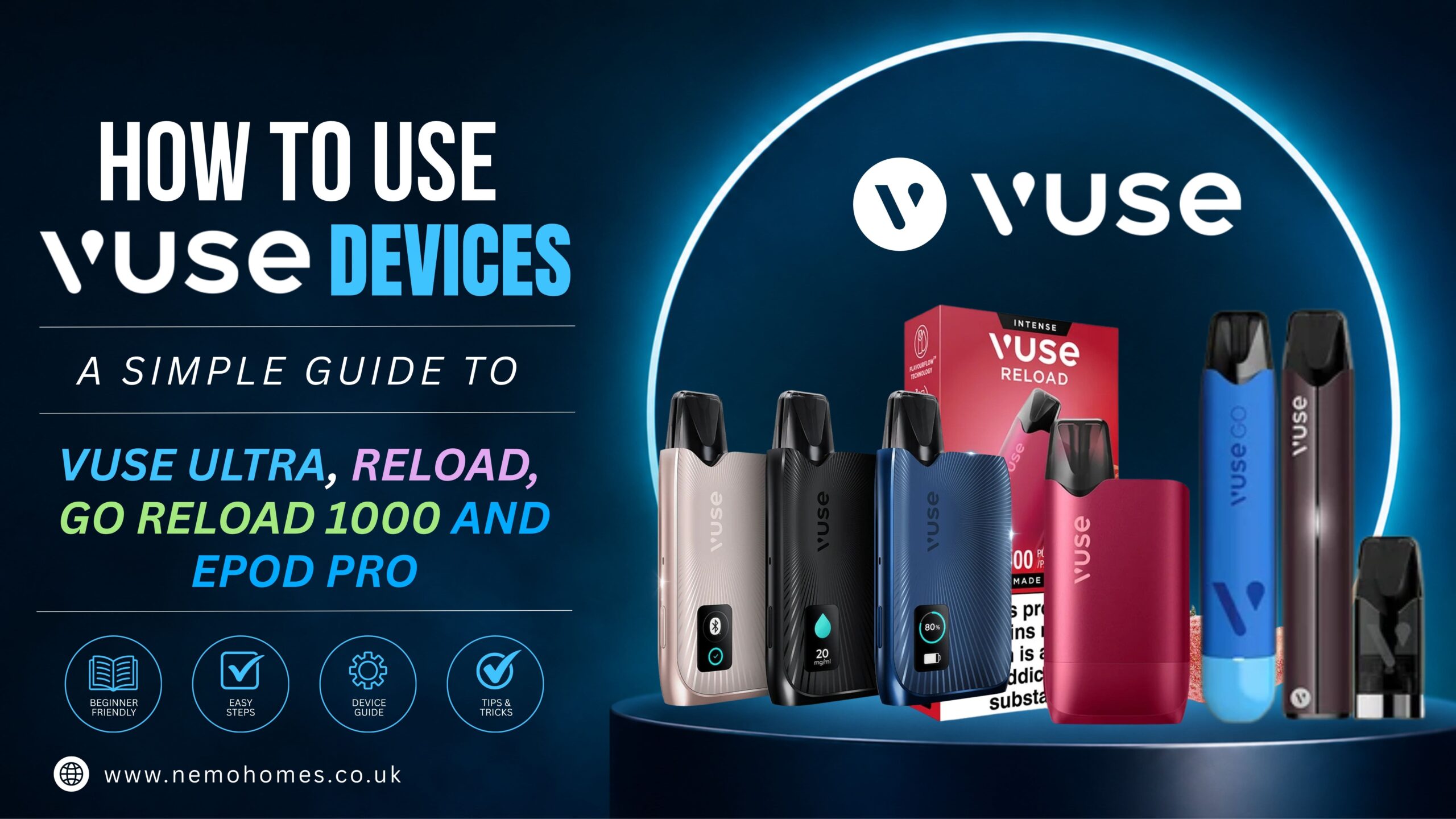
If you’re using a Vuse device for the first time, it can take a moment to work out what everything does. While the devices are designed to be easy to use, each model has a few differences when it comes to charging, pods, controls and features.
This guide walks through four Vuse devices — Vuse Ultra, Vuse Reload, Vuse GO Reload 1000 and Vuse ePod Pro — so you can see how each one works and what makes them different.
VUSE Ultra Smart
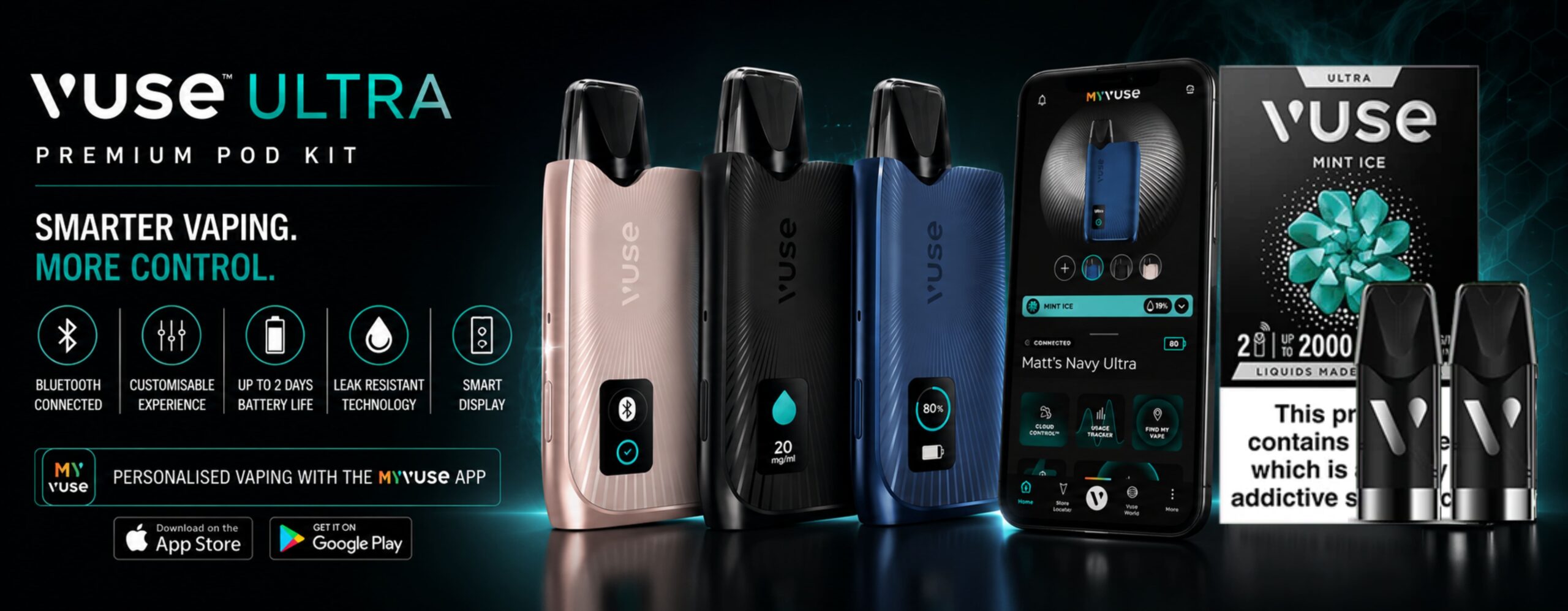
The Vuse Ultra is the most advanced device in this lineup. It has a built-in display, smart features and Bluetooth connectivity, so there’s more to explore compared with the simpler Vuse devices.
Getting started
Before using your Vuse Ultra, make sure the device is charged and the battery is installed correctly.
Once the device is ready, insert a compatible Vuse pod into the top. The magnetic connection helps the pod sit securely in place.
With the pod inserted, the device is ready to use. Simply inhale through the mouthpiece to activate it.
MyVuse™ App Connectivity
One of the standout features of the Vuse Ultra is its Bluetooth connection to the MyVuse™ app. Once paired, the app gives you additional controls and lets you keep track of your device and pod usage.
Features include:
- CloudControl™ – personalise your vaping intensity.
- Flavour AutoTune™ – adjust the flavour experience to your preference.
- Usage Tracker – keep an eye on your usage.
- Find My Device – help locate your Vuse Ultra if you’ve misplaced it.
- Battery Recharge Reminders – receive reminders when the device needs charging.
- Pod Usage Tracking – monitor your pod usage.
This is what sets the Ultra apart from the more straightforward Vuse models. Instead of simply inserting a pod and taking a puff, you can use the app and device features to manage more aspects of the experience.
When should you replace the pod?
You don’t necessarily need to replace a pod after a set number of days. Instead, pay attention to how the device performs.
If vapour production drops significantly or the taste changes noticeably, check the pod and replace it when necessary.
Vuse Reload
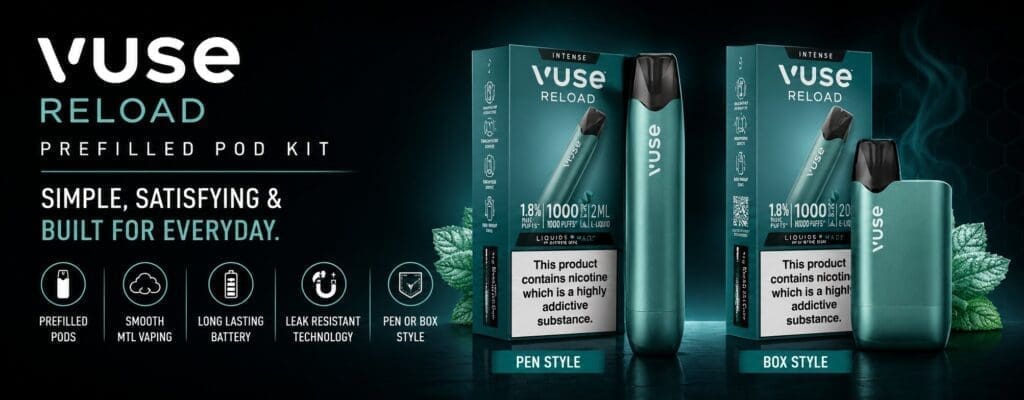
The Vuse Reload is a rechargeable pod device designed to be simple to use while giving you a little more control through its button and VapourBoost™ Mode.
It comes in Pen and Box versions, so the exact shape of your device may differ.
1. Insert the pod
Start by removing the pod from its packaging.
Insert the pod into the top of the Vuse Reload. The magnetic connection helps guide it into position, so there is no need to force it.
2.Unlock the device
The Reload has a locking function to help prevent accidental activation.
To unlock or lock the Reload Box, press the button three times within two seconds.
For the Reload Pen, press the button three times within approximately 2.5 seconds.
Once unlocked, you’re ready to use the device.
3.Take a puff
The Reload is puff-activated, so you don’t need to hold the button while taking a puff.
Simply inhale through the mouthpiece and the device activates automatically.
VapourBoost™ Mode
The Reload also includes VapourBoost™ Mode.
Depending on the version you’re using, the button can be used to switch between the standard setting and VapourBoost™ Mode. The LED indicates which mode is selected.
It’s a useful feature to know about because you can change the device setting without having to use an app or navigate through a screen.
Charging the Reload
The Reload is rechargeable using USB-C.
When the battery is running low, connect the device to its charging cable and allow it to recharge before using it again.
Changing the pod
Replace the pod when it has reached the end of its usable life, such as when vapour production or flavour has noticeably decreased.
The number of puffs you get from a pod can vary depending on how frequently and how long you use the device.
Vuse GO Reload 1000
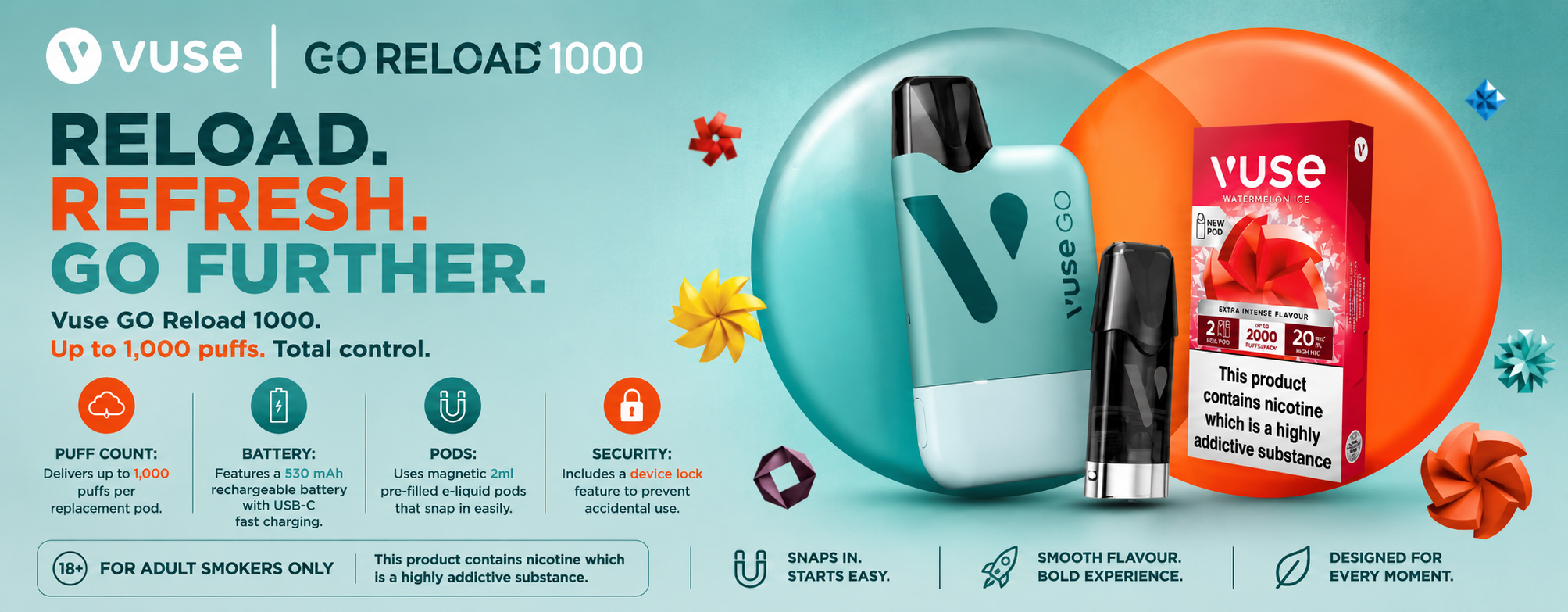
The Vuse GO Reload 1000 is a compact rechargeable device that uses replaceable pods. If you’re looking for something without a complicated setup, the basic controls are easy to understand.
1.Prepare the pod
Remove the pod from its packaging.
If there’s a small silicone transportation bung on the pod, remove it before putting the pod into the device.
2.Insert the pod
Place the pod into the top of the GO Reload 1000.
The magnetic connection holds it in place.
3.Unlock the device
Before the first use, the device is locked.
Press the button three times to unlock it.
The same three-click action can be used to lock the device again.
4.Take a puff
Once unlocked, simply inhale through the mouthpiece.
There’s no need to hold the button while taking a puff because the device activates when you inhale.
Checking the battery
The device uses LED flashes to communicate its battery status.
If the battery is running low, the device will indicate this through the LED. When the battery is empty, recharge the device using the appropriate charging connection.
One thing that’s easy to forget: an empty battery doesn’t necessarily mean the pod is empty. If the device needs charging, check the pod again after charging before replacing it.
Replacing the pod
When the pod is finished, remove it from the device and insert a new compatible pod.
Don’t attempt to refill a closed Vuse pod with bottled e-liquid.
Vuse ePod Pro
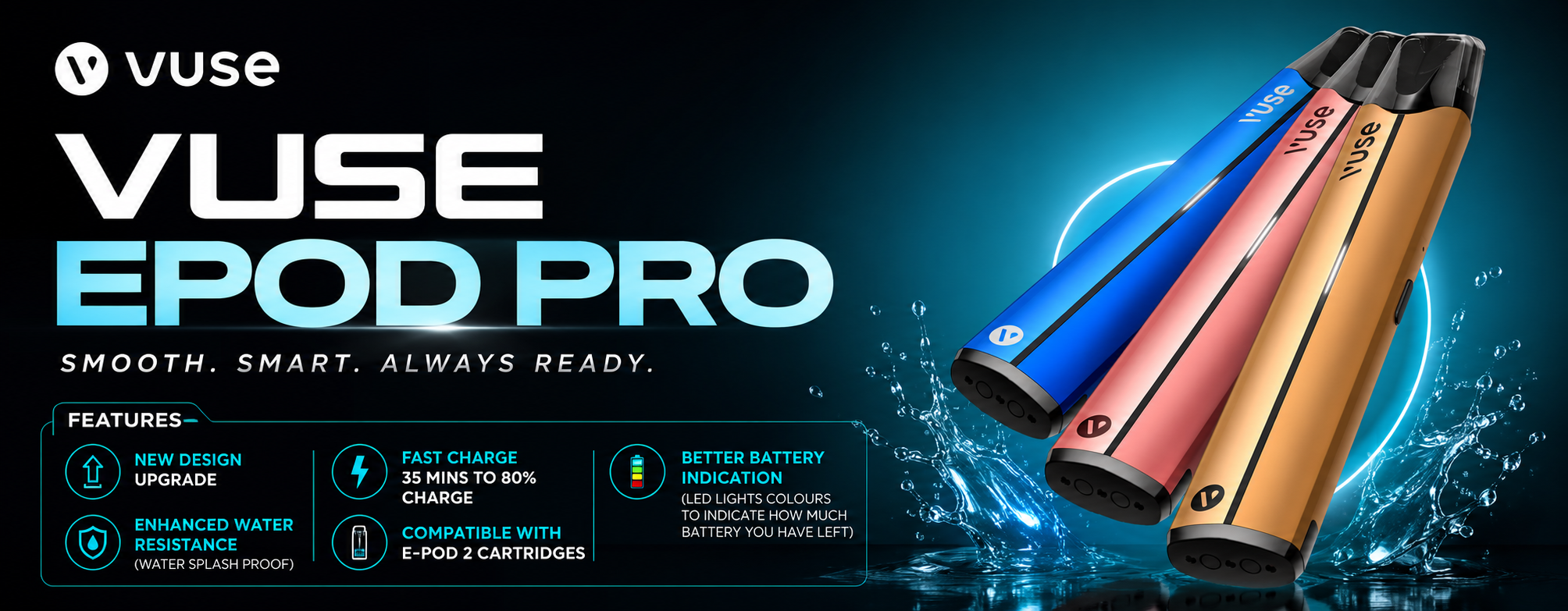
The Vuse ePod Pro has a slim, compact design and keeps things fairly straightforward. There aren’t multiple settings to work through, so getting started is simple.
1.Charge the device
Before using the device, make sure it has enough battery.
Connect the appropriate charging cable and allow the device to charge.
2.Insert the pod
Remove the protective packaging from the pod and insert it into the top of the ePod Pro.
The magnetic connection holds the pod securely in place.
3.Take a puff
The ePod Pro is designed to activate when you inhale.
Place the mouthpiece between your lips and take a puff. You don’t need to hold down a button while using it.
When should you replace the pod?
As with the other Vuse devices, there’s no need to guess based purely on how many days you’ve been using the pod.
A noticeable reduction in vapour or a change in flavour are signs that the pod may need replacing.
A Few Things to Keep in Mind
Whichever Vuse device you’re using, it’s worth getting into a few simple habits.
Check pod compatibility. Not every Vuse pod is necessarily designed for every device, so check the packaging or product information before inserting a pod.
Don’t refill closed pods. Vuse pods are designed to be replaced rather than manually refilled.
Keep your device clean and dry. Avoid exposing it to water, excessive heat or direct sunlight.
Don’t use a damaged device. If the device, pod or charging equipment appears damaged, stop using it and follow the manufacturer’s guidance.
Pay attention to changes in performance. A drop in vapour or a noticeable change in flavour can indicate that the pod needs replacing.
Final Thoughts
The main difference between these Vuse devices isn’t how complicated they are — it’s how much control and information they give you.
The ePod Pro and GO Reload 1000 keep things simple. The Reload adds features such as VapourBoost™, while the Ultra takes things further with its display and MyVuse™ app connectivity.
Once you know which device you have, the basic process is quite simple: charge it, insert the correct pod, make sure it’s unlocked if required, and follow the device-specific instructions.
18+ only. Nicotine is addictive. Vuse products are not risk-free and are intended for adult nicotine consumers.